Education & Technologies

About LMSACE
Our team has over a decade of experience in the online learning sector, and we’ve worked with schools/colleges/businesses from across Europe, Asia and America. If you’re already using Moodle™ software for your online learning platform, you can still take advantage of many of the services we offer, such as theme design, custom development, training, and support.
Find Us Our Location
- Address
- info@lmsace.com
- +91-9894821918

Affness
Project Info
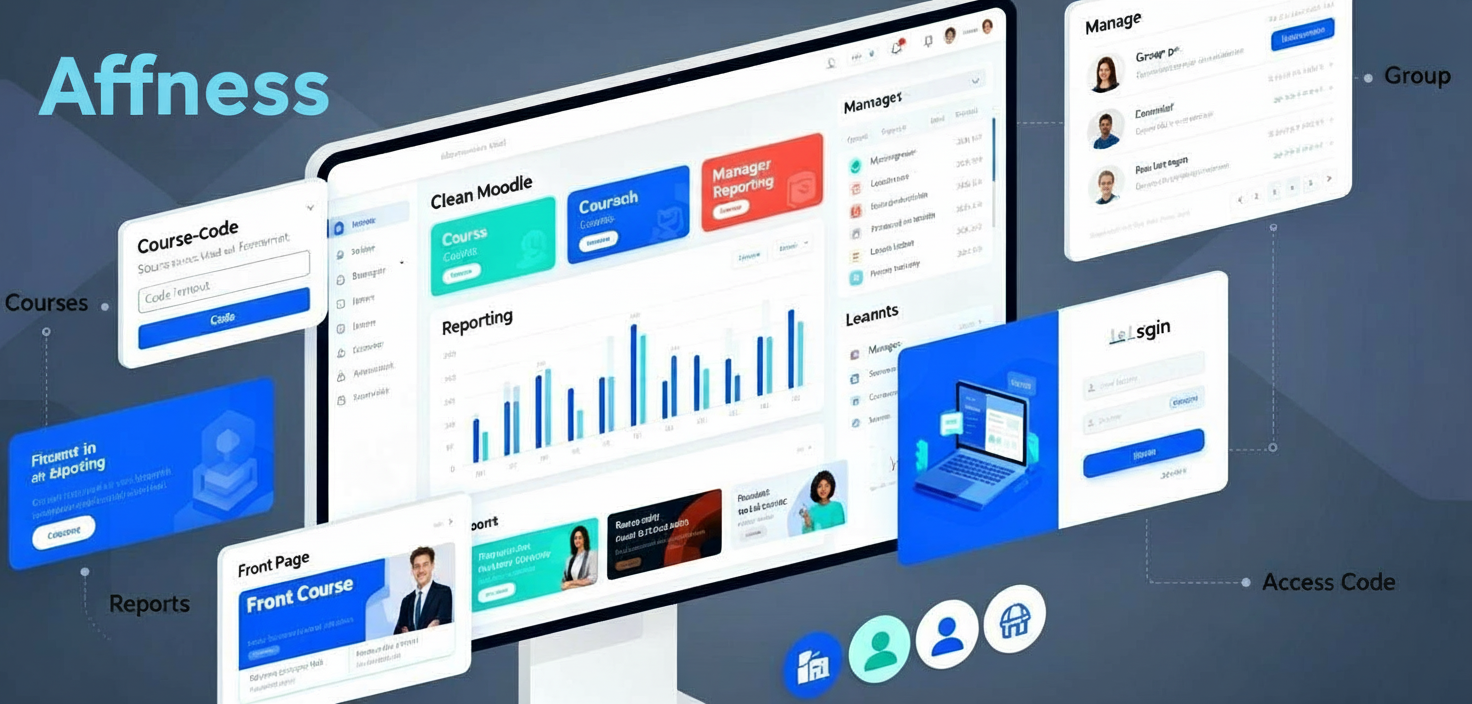
LMSACE collaborated with Affness to build a fully customised Moodle-based learning platform designed around their enrolment workflows, course access structure, and user experience expectations. The work included plugin development, UI/UX improvements, reporting tools, and several platform-level enhancements to support smooth learning and management operations.
Client Goals:
-
Create a custom course-code–driven enrolment process
-
Streamline group and manager access
-
Redesign major Moodle pages with a clean, modern interface
-
Provide a reporting dashboard for managers
-
Improve login, sign-up, and course navigation
-
Offer theme-level configuration for future scalability
- Client: Affness
- Category: Theme Development, Administration in Moodle™ Software
Core Development & Interface Enhancements
Custom Course Code Management System
We built a dedicated plugin that allows Affness to control course access using unique registration codes.
Features included:
-
Each code mapped to specific courses
-
Easy code creation and management for admins
-
Automatic course enrolment upon using the code
-
Cohort information visible in the code list
-
Improved table layout for clarity
This system ensured that learners could join the correct courses instantly using a single access code.
Group & Manager Access Control
A second plugin was developed to connect groups with specific codes and manage what each manager can see.
Key functions delivered:
-
Assign multiple groups to managers
-
Managers can only view learners connected to their assigned codes
-
Updated manager list with edit and filter options
-
Fixed issues with deleted manager entries
-
Improvements in terminology and data display
This created a clear, controlled access structure for different batches and supervisors.
Front Page Improvements
We redesigned the homepage to create a structured and modern interface.
Enhancements:
-
Manual course carousel navigation
-
Uniform course card height and improved hover effects
-
Simplified user menu with direct dashboard access
-
Configurable elements:
-
Logo
-
Background
-
Theme colours
-
Footer
-
Favicon
-
Language support
-
Optional cookies banner and button label customisation
Login & Sign-Up Pages
Authentication flow was redesigned for clarity and ease of use.
Delivered:
-
Modern login design with email-based access
-
Password recovery via email
-
Sign-up with access code validation
-
Email used as the username
-
Error handling for invalid access codes
-
Auto-redirect rules:
-
Learners → Dashboard
-
Admin → Site Administration
-
Managers → Reports
Course Description & Enrolled Courses
We improved the presentation and usability of course-related pages.
Updates:
-
Better alignment and spacing
-
Dynamic image adjustment
-
A “Back” button for quick navigation
-
Access-code based enrolment
-
Group-based custom banners
-
Course completion indicators
Topics & Activity Page Enhancements
-
Accurate topic completion progress
-
Full-block clickable topic sections
-
Fixed incorrect completion percentages
-
Added navigation improvements for activities
Reporting & Advanced Features
Manager Reporting Dashboard
We developed a dedicated reporting tool for managers.
Features:
-
Activity reports filtered by code and course
-
Search and export options
-
Dynamic charts based on selection
-
Language switcher support
-
Cleaner, simplified layout
-
Terminology updated from cohort → code
Managers now get a focused view of learner progress without accessing course pages directly.
Group-Based Branding
We added support for custom banners and backgrounds based on learner groups.
Admin features:
-
Upload group banners via cohort settings
-
Automatic display on:
-
Learner dashboard
-
Course description page
This gave the platform a branded look for each learner batch.
Testing, Documentation & Deployment
Project Output Package
-
Complete Moodle configuration guide
-
Theme installation instructions
-
Quick-start guides for managers and code creation
-
Multilingual setup support
-
Full system testing on desktop Chrome
The final solution delivered a smooth enrolment process, improved learner experience, and a powerful reporting environment.